
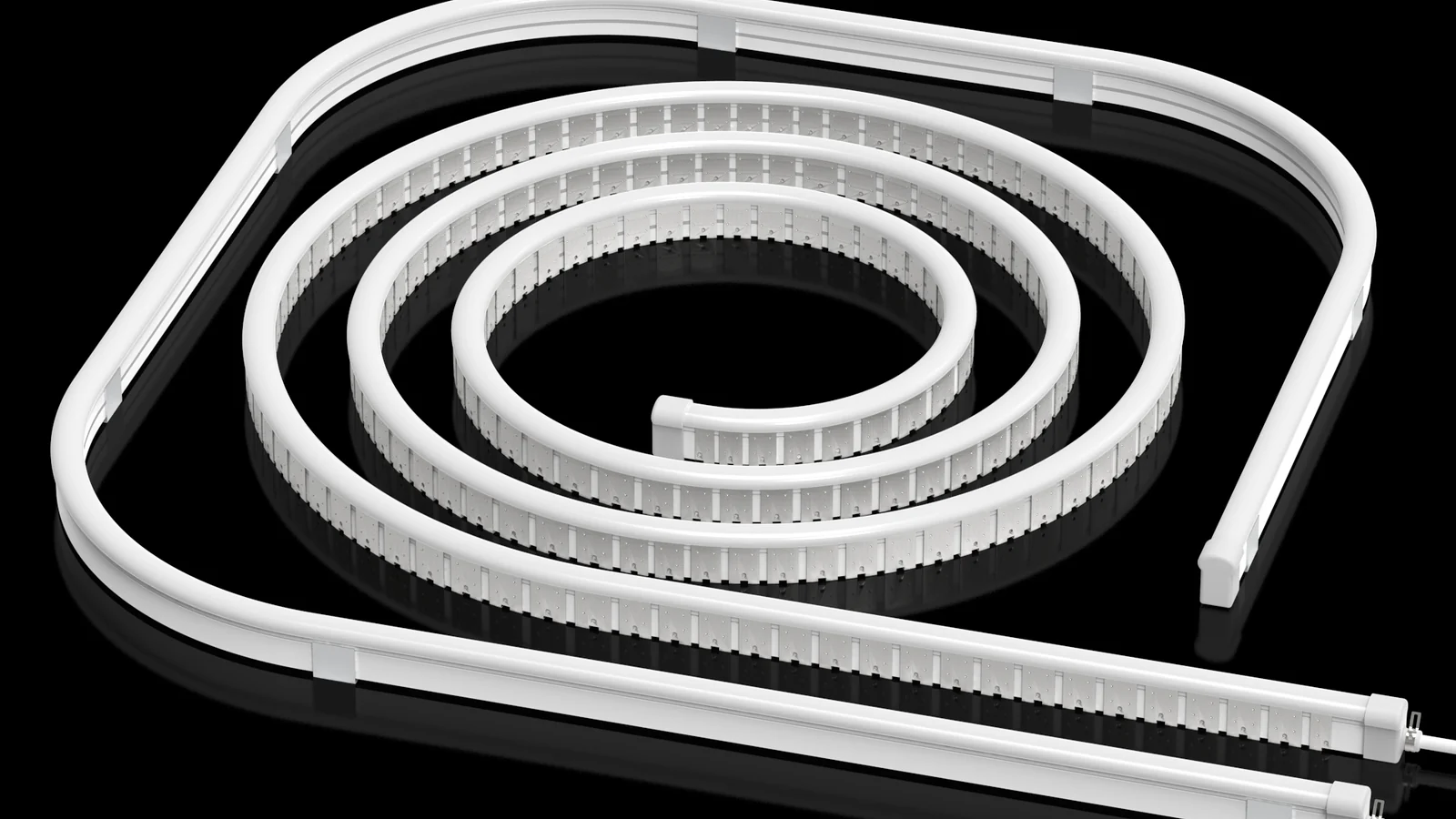
A useful custom silicone extrusion quote starts with enough project information to understand the profile geometry, physical fit, lighting direction and expected order conditions. You do not need a finished CAD package to begin: a dimensioned sketch, a physical sample or a clear reference section can provide a practical starting point when the known and unknown details are labelled.
Short answer: Send the cross-section or reference sample, target dimensions, LED strip information, emitting face, bend direction, cable and end details, required format, application and estimated quantity. Mark each input as confirmed, target, reference or still to be confirmed.
What Determines Your Custom Silicone Extrusion Cost?
Get a quotation for the part you actually need, not just an outside dimension. Share your section drawing or sample, total metres and required supply format so we can review an existing profile before discussing new tooling.
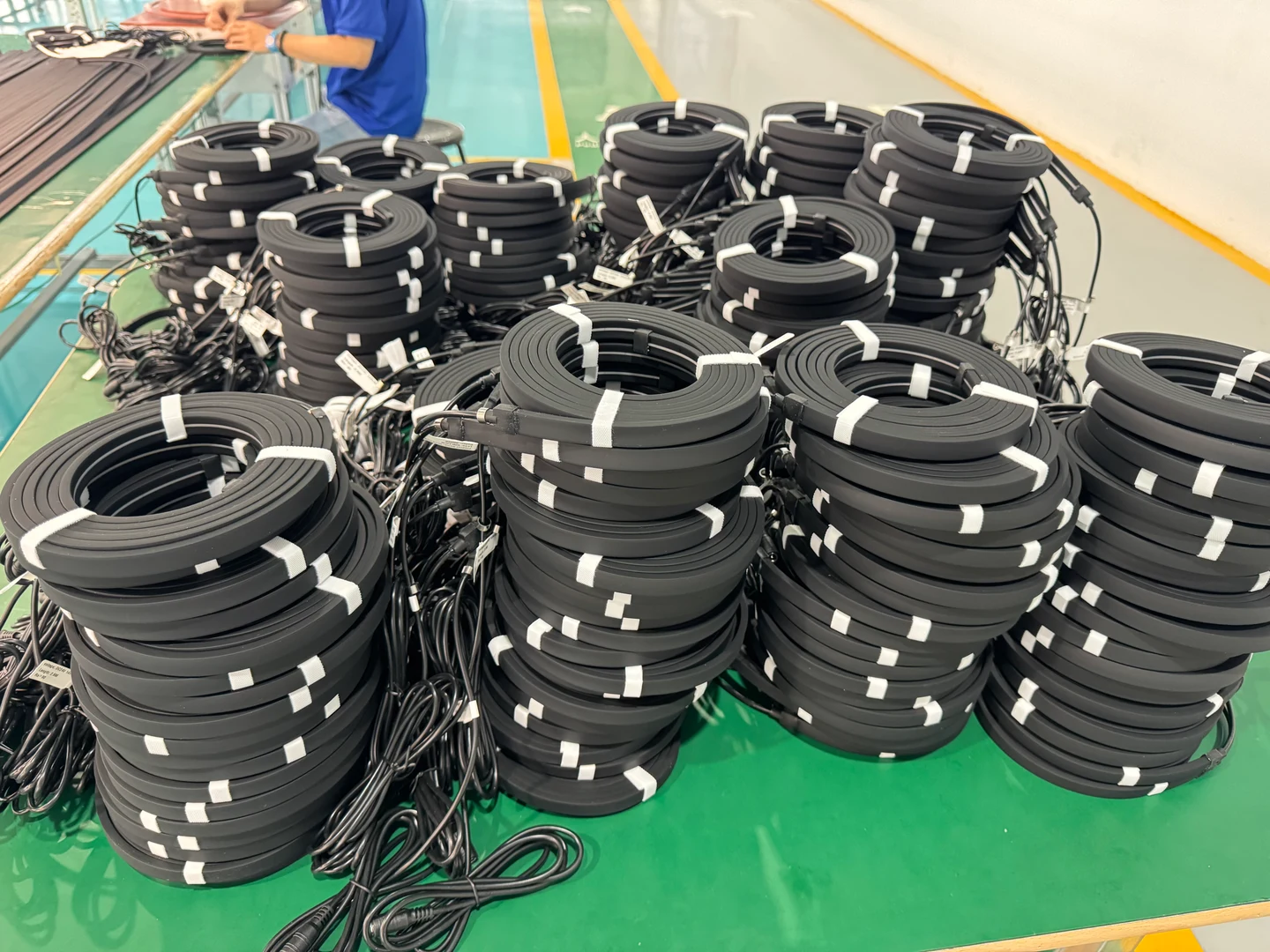
- Tooling and development
- Ask whether an existing section can meet your installation. If new tooling is needed, request the tooling and sample scope separately from the production price.
- Profile price per metre
- Specify the cross-section, material and colour requirements, total quantity and required lengths. Compare quotations for the same drawing and supply format.
- Assembly and accessories
- State whether you need empty silicone housing or a finished light, plus any cut lengths, end caps, cable exits and mounting parts. Ask which items are included.
- Packing and delivery
- Provide the destination and required packing format. Confirm whether packing, freight and taxes are included or quoted separately.
There is no single reliable custom extrusion price without these inputs. If the drawing is not ready, send a dimensioned sketch and mark the dimensions that cannot change. We can start by reviewing the information you have.
1. Start With a Drawing, Sketch or Physical Sample
The starting reference should show what shape is required and how it relates to the surrounding product. A formal engineering drawing is helpful, but it is not the only workable input. You can begin with a hand sketch, a marked photograph, an existing profile sample or a section copied from the installation design.
Add units and identify which surfaces or features matter. If the reference is only approximate, say so. A clean sketch labelled “target” is more useful than a detailed-looking image whose scale and status are unclear. The Project Preparation page provides a broader list of information that can support an initial review.
2. Define the Cross-Section
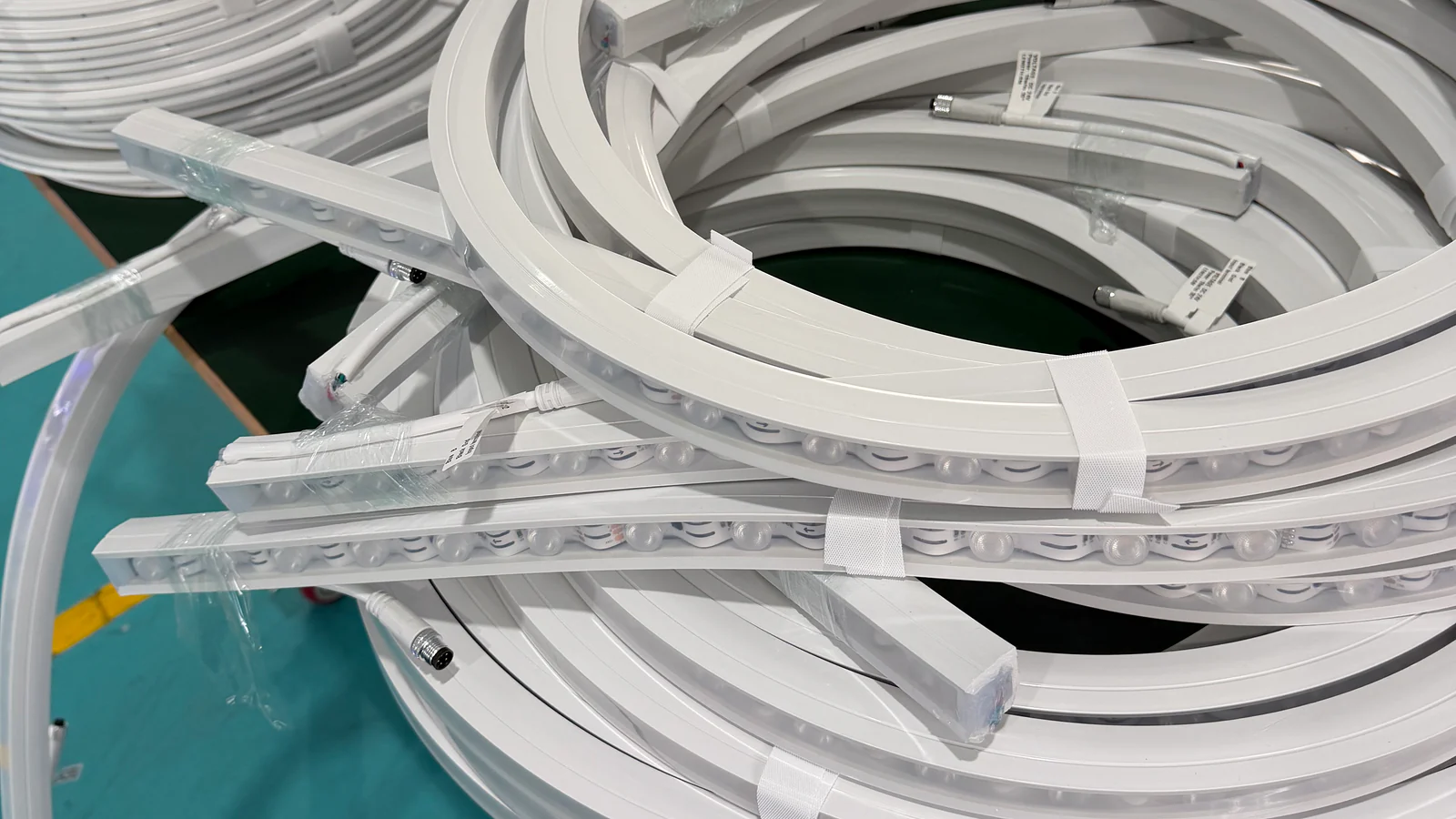
The cross-section explains the profile geometry: the outside shape, internal channels, walls, openings and the interfaces that meet the LED strip or installation. Show the section in its installed orientation so the top, bottom and visible face are unambiguous.
Identify features that cannot move because they fit an existing housing, groove or mating part. Separate those from cosmetic or adjustable features. When a physical sample is the reference, photograph the end squarely and include a scale, then send the sample only after the recipient and delivery details have been confirmed.
3. Provide Target Dimensions
Start with the overall width and height, internal space and the dimensions that control fit. Also show the available installation envelope. A profile can match an isolated cross-section and still fail to fit once a cable, end detail or surrounding wall is included.
Do not assign arbitrary tolerances simply to make the drawing look complete. Mark the dimensions that are functionally critical, state whether each value is confirmed or a target, and allow the selected geometry and process to be reviewed before acceptance criteria are agreed.
4. Identify the LED Strip
Provide the LED strip model or, at minimum, its board width, component envelope and intended position inside the profile. A photograph beside a ruler can help with an early review, but the selected strip information should be confirmed before a sample is approved.
State whether the strip is already fixed by the project or may still change. The relationship between strip and profile affects internal fit, emitting position, connections and assembly. Review the available LED silicone tube and profile formats, but include the actual strip reference in the RFQ rather than assuming a universal fit.
5. Mark the Emitting Surface and Light Direction
Use an arrow on the cross-section to identify the surface that should emit light and another note or view to show where the light should face after installation. The emitting face, viewing direction and mounting face are different project inputs and should not be left to interpretation.
Include the intended visible result in plain language, such as a direct line, a diffused face or an indirect wash. That description helps frame the review, but the final appearance still needs to be checked with the actual strip, profile and viewing condition.
6. Confirm Bending Direction
Mark each required curve relative to the emitting surface. Light direction and bend direction are not the same. A profile may face the correct way but be unable to follow the route in the required plane without twisting.
Show the route in plan, elevation or both when it changes direction. Do not copy a bend radius from another product. The selected construction and its current drawing must be reviewed. The top-bend vs side-bend guide explains how to separate the bend plane from the light-facing surface.
7. Show Cable Exit and Connection Details
Mark where the cable should leave the profile, which direction it should travel and what clearance is available around the end. Include any connector body, joint, end cap, mounting interface or adjacent component that affects the assembly.
A quotation cannot treat the profile as an isolated shape when the connection must align with an existing product. A marked photograph of the mating part can be useful, but include dimensions for the interface that controls fit.
8. Define Length or Assembly Format
Describe how the product is expected to be supplied: cut lengths, continuous lengths, reels or an assembled format. If several lengths are required, provide a simple schedule and identify which dimensions are final and which are estimated.
Also state whether the request covers the silicone profile only or a more complete assembly. This prevents an empty profile, inserted strip and finished lighting assembly from being treated as interchangeable quotation items.
9. Describe the Application
Explain where the profile will be used and what it must interface with. Architectural linear lighting, signage, furniture and cabinet lighting can place different demands on visibility, routing, connection access and installation space.
Include a scene photograph or installation section when available, but do not rely on a mood image alone. State the mounting surface, normal viewing position, indoor or outdoor exposure and any surrounding component that constrains the profile. Application information supports a project review; it does not by itself establish a product rating.
10. Provide Estimated Quantity
Estimated quantity helps define the quotation basis and the expected supply format. Provide the sample requirement separately from the likely production quantity, and indicate whether the value is a firm requirement, an annual estimate or an early planning range.
If several profiles or lengths are involved, break the quantity down by item. Do not combine unlike configurations into one total because tooling, assembly and packaging requirements may differ.
11. What If Some Information Is Not Final?
An incomplete project can still be reviewed when the uncertainty is visible. Label each item with one of four statuses:
- Confirmed: fixed for the quotation or sample basis;
- Target: the preferred result, subject to feasibility review;
- Reference: information used to explain intent, not an acceptance requirement;
- To be confirmed: an open decision with an identified owner.
Keep the latest information in one concise brief rather than spreading conflicting values across messages. When a drawing or quantity changes, identify the revision and the changed items.
RFQ Preparation Checklist
- Drawing, sketch or physical sample
- Cross-section and installed orientation
- Critical dimensions and installation space
- LED strip reference and position
- Emitting surface and light direction
- Bending direction and route
- Cable exit and connection details
- Length or assembly format
- Application and exposure
- Estimated sample and production quantity
The silicone extrusion process guide explains what happens after the project basis is understood. For confirmed production and handling information, use the current Manufacturing page rather than assuming a process from a generic extrusion article.
Common RFQ Mistakes
Sending Only an Outside Width and Height
The internal channel, strip position and installation interface may control the design. Include the full cross-section or a physical reference.
Using One Arrow for Light and Bending
Use separate markings. The visible face and permitted curve describe different decisions.
Leaving the Connection Until After the Profile Is Defined
Cable exits, end details and connector clearance can change the usable section and length.
Presenting Every Value as Final
Label target and reference dimensions clearly. This prevents early assumptions from becoming unintended acceptance requirements.
Frequently Asked Questions
Do I need a CAD file to request a quotation?
No. A clear dimensioned sketch, section drawing or physical sample can start the review. More detailed files may be requested when they are necessary to confirm the design basis.
Can I send an existing profile sample?
Yes. State which features should remain and which should change, and contact AlisterTech before shipping so the recipient and delivery details can be confirmed.
Should I include the LED strip if I only need a silicone profile?
Include its reference and dimensions when the strip must fit inside the profile. That relationship affects internal space, orientation and assembly review.
What quantity should I provide at an early stage?
Provide the best current estimate and label it as a sample quantity, project quantity or planning range. Do not present an uncertain figure as a fixed order.
What happens if the design changes after quotation?
Identify the new revision and list the changed geometry, dimensions, strip, connection, length or quantity. The quotation basis can then be reviewed against the updated requirement.