
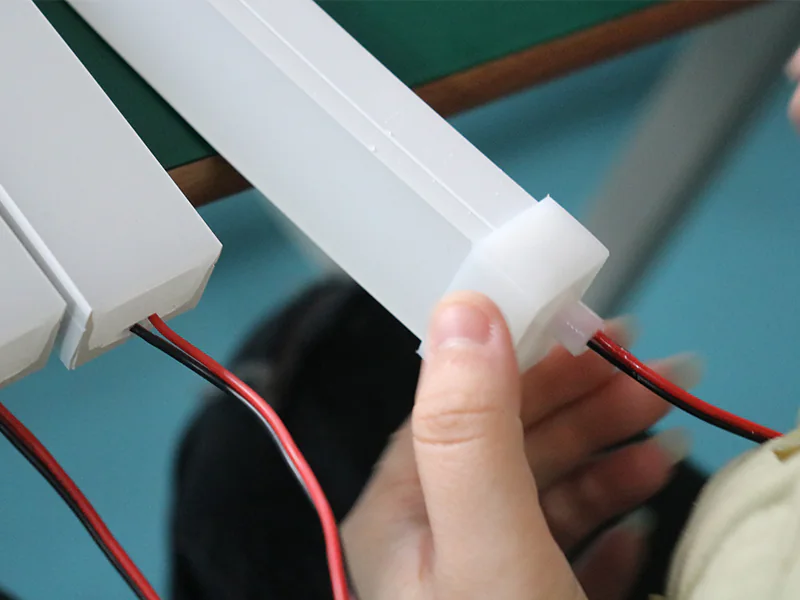
A silicone profile sample approval checklist should compare the physical sample with your confirmed project requirements before you approve it for production. Check the cross-section, dimensions, LED strip fit, installation interface, emitting surface, bend direction, connections and supply format. Note any questions and requested updates instead of approving it from appearance alone.
Short answer: Check the sample against your confirmed requirements, not memory. A sample can show actual fit and appearance, but it does not confirm every dimension or manufacturing requirement unless those points have been reviewed.
1. Start With Your Approved Requirements
Prepare the latest drawing or sketch, physical sample and confirmed requirements. Mark the sample with a date, version or other clear identifier so everyone reviews the same piece.
If the project began from a physical sample rather than CAD, clearly note which features should stay the same and which should change. You do not need a large document package, but the version being approved should be easy to identify.
2. Check Cross-Section Geometry
Inspect the end section and compare the outside shape, channels, walls, openings and installation interfaces with the project reference. Check the orientation as well as the outline. A section can appear similar when rotated but place the emitting or mounting face in the wrong direction.
Measure the dimensions that control fit and function. If no acceptable range has been agreed, note the measured result and confirm the required range before approving the sample.
3. Check LED Strip Fit
Use the intended LED strip, not a convenient substitute, when the strip-profile relationship is part of the project. Confirm the board and components enter the internal channel, sit in the intended position and do not distort the profile.
Also check the joint or connection area when it differs from the bare strip. A successful fit in the middle of a straight sample does not prove that a solder joint, connector or cable transition will fit at the end.
4. Check Installation Fit
Place the sample in the representative groove, housing, clip, channel or surrounding assembly. Review the profile as part of the installation rather than as a loose object. Confirm that the outside envelope, mounting face and required clearance match the real interface.
Use the same orientation and handling expected in the application. If the actual installation is not available, use a simple fixture or section that reproduces the important dimensions and list any points that still need checking.
5. Check the Emitting Surface
Confirm that the visible silicone face and LED strip orientation match the approved cross-section. Mark the mounting face and viewer position so “top” or “side” cannot be misread after the product is rotated.
Inspect the sample both switched off and illuminated. The unlit review confirms geometry and surface orientation; the lit review shows whether the intended face is actually receiving and presenting the light.
6. Review Light Appearance
Evaluate the light line from the intended viewing distance and direction with the proposed strip and control condition. Look at straight sections, curves, ends and any joint included in the sample. Record whether the visible result is accepted, needs adjustment or requires another sample.
Physical fit does not guarantee the requested appearance. The LED strip diffusion guide explains the variables that influence the visible light line. Avoid turning a photograph into a colour or brightness specification unless the project has an agreed evaluation method.
7. Confirm Bending Direction
Bend the representative sample only in the route and plane intended for the application and within the selected product’s reviewed limits. Confirm that the emitting face remains oriented correctly and that the section does not need to twist to follow the path.
For a critical curve, use a full-size route template or installation mock-up. A loose hand-bent loop may not represent the local support, end clearance or plane changes in the finished product.
8. Check Cable Exit and End Details
Review the cable exit direction, end geometry, connector clearance and any end cap or sealing detail included in the quoted configuration. Confirm that the cable can follow the planned route without forcing the profile or occupying unavailable space.
If these items are not included in the sample, list them as not yet checked rather than treating them as approved. Connection and end details can change the usable length and installation interface even when the main cross-section is correct.
9. Confirm Length and Assembly Format
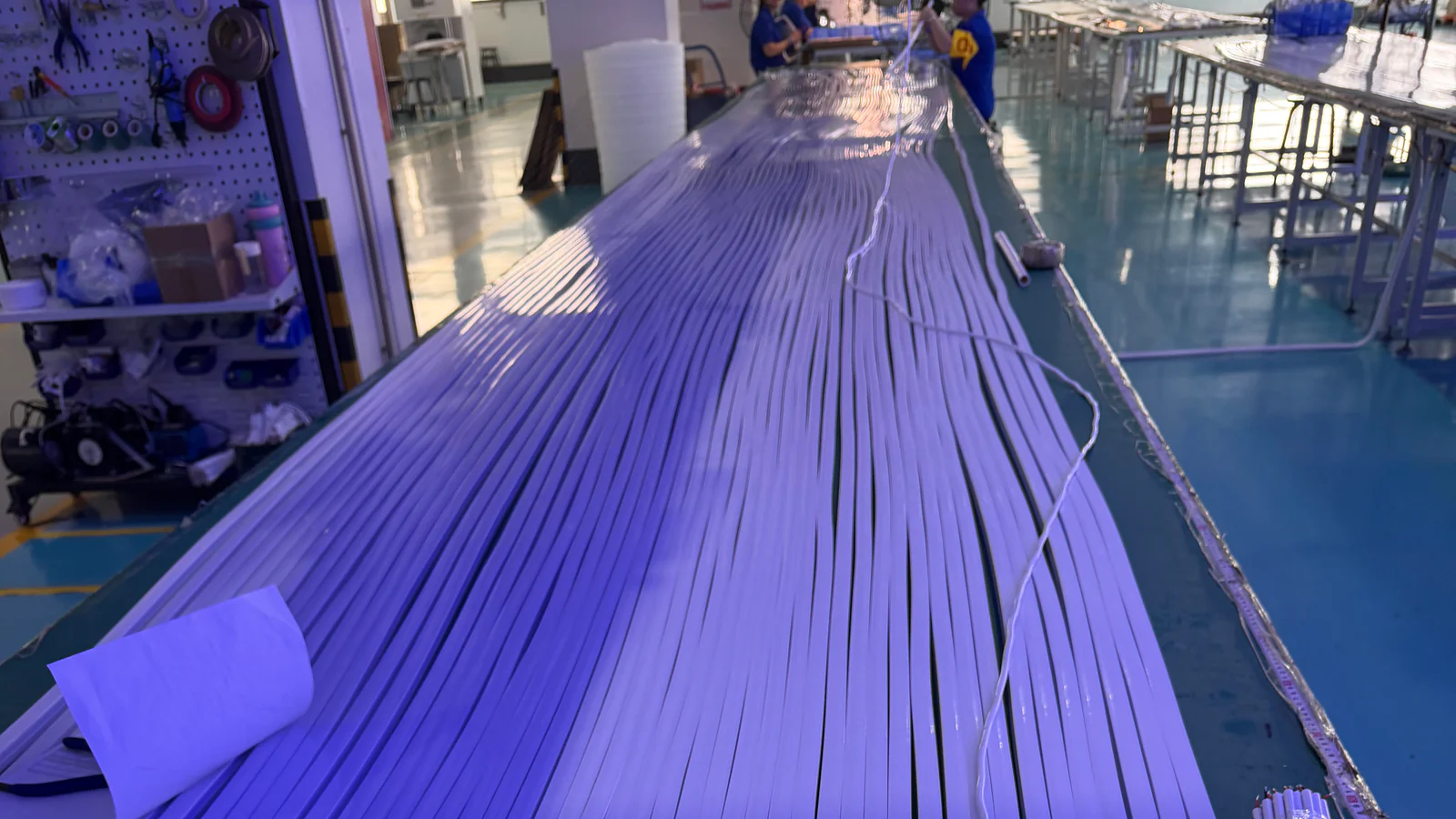
Check that the sample represents the requested supply format: profile only, profile with an inserted strip, a cut length, a continuous length or another agreed assembly. Distinguish the sample length from the lengths needed for the order.
Review straightness, coiling and handling in the requested format. Do not assume that one short sample represents how every finished length will behave.
10. List Requested Changes
Keep every requested change in one clear list. Use direct statements such as “move the cable exit to the opposite face” or “increase internal clearance for the selected strip,” supported by a marked photograph or revised sketch where useful.
For each point, state whether it is correct, needs a change, still needs information or does not apply. When a revised sample arrives, compare it with the same list and verify each requested change.
11. Confirm the Approved Version
When you are satisfied with the sample, identify the exact physical piece, drawing revision and written requirements approved for the order. A retained sample plus a concise drawing and approval note is easier to check than scattered messages.
Sample approval gives both sides a clear version to follow; it does not mean every later item will be visually identical. Manufacturing and inspection should follow the quoted product and confirmed requirements. See Quality Control for the available checks and Manufacturing for the manufacturing overview.
Sample Approval Checklist
- Sample identification and date or revision
- Cross-section and installed orientation
- Important dimensions
- LED strip fit and position
- Installation interface
- Emitting face and light direction
- Light appearance from the intended view
- Bending route and plane
- Cable exit and end details
- Length or assembly format
- Requested changes or questions to resolve
- Sample and drawing approved for the order
The silicone extrusion process article shows how sampling fits into product development and manufacturing. Use this checklist to decide whether the sample is ready to approve or needs a revised version.
Common Approval Mistakes
Approving From Photographs Alone
Photographs can document appearance and orientation, but they do not reliably confirm physical fit, dimensions or the feel of the assembly.
Testing a Different LED Strip
A substitute may change fit and light appearance. Use the intended strip or record the substitution and repeat the relevant checks later.
Accepting the Profile but Ignoring Ends
Cable exits and end details can control installation clearance. Include them in the review or list them as not yet checked.
Requesting Changes Without a Clear List
A marked image and short change list are easier to follow than separate messages with ambiguous directions.
Frequently Asked Questions
Is one physical sample enough for approval?
It may be enough to demonstrate the agreed geometry and assembly, but it should be identified and supported by the relevant dimensions, strip, application and change notes.
Should I approve the sample before testing it in the installation?
When installation fit is important, test the representative interface before approval. If that is not possible, clearly state that installation fit still needs checking.
Does an illuminated photograph prove the light appearance?
No. Camera exposure and display settings can change the image. Review the physical sample under the intended viewing condition whenever appearance is important.
What if one point is still unresolved?
Do not hide it inside a general approval. List it clearly and confirm whether another sample or updated drawing is needed before approval.
What should be kept after approval?
Keep the identified sample or agreed photographs, the latest drawing or sketch, the LED strip model and the final list of accepted changes.