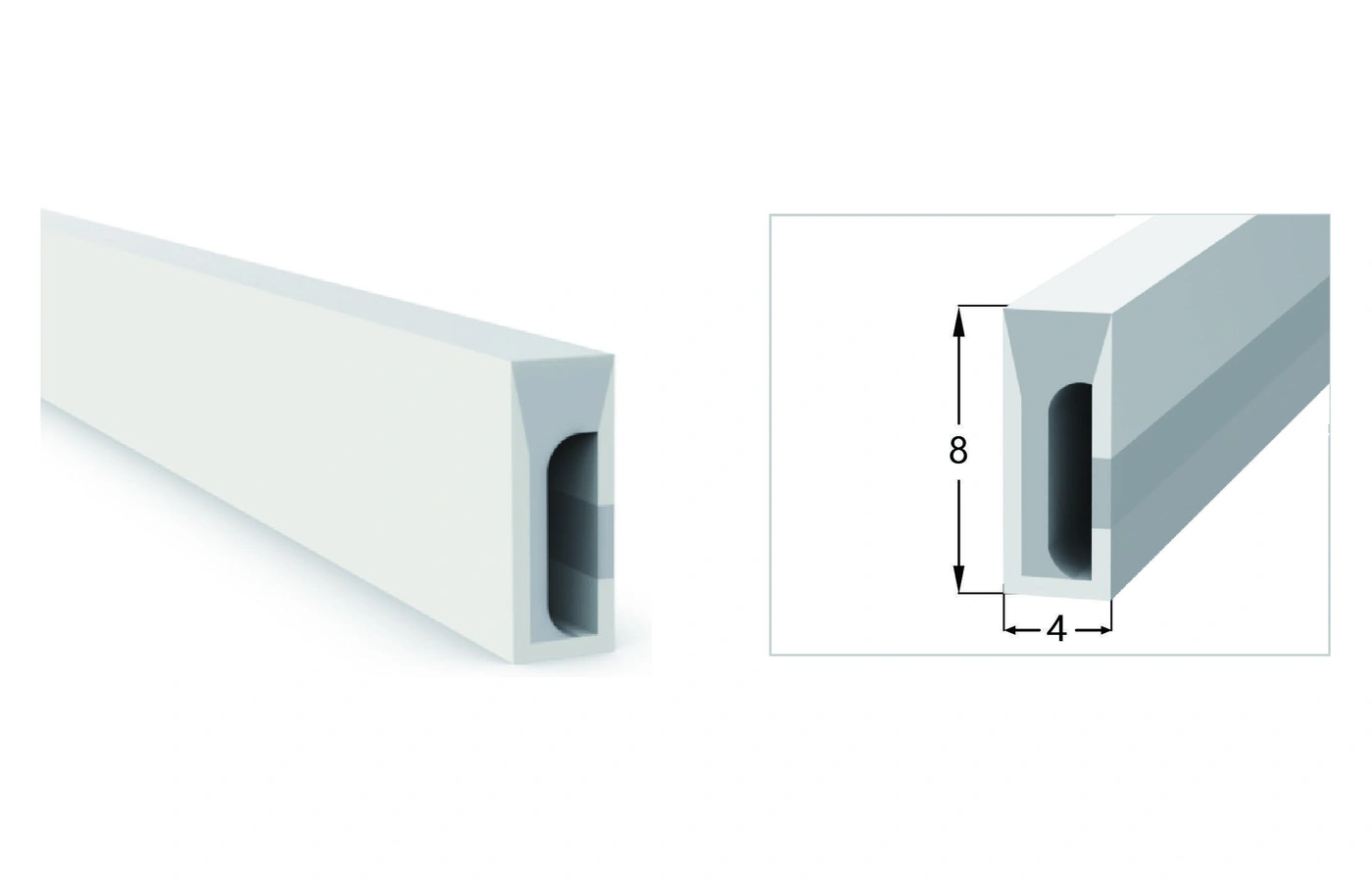
4 x 8 mm
Catalogue page 13, profile 1
Review catalogue row
Side-emitting LED neon flex directs light from a vertical face of the profile. Coordinate the face orientation, installation outline and profile dimensions before selecting an LED configuration.
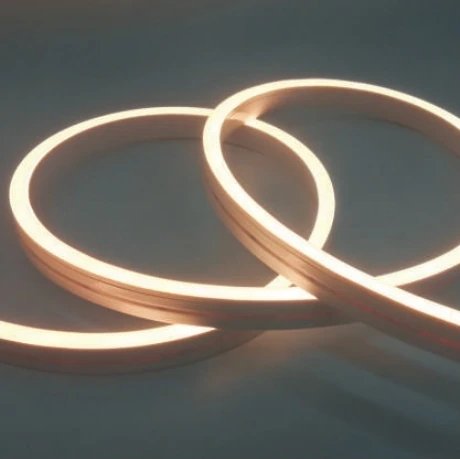
Identify the vertical face that must remain visible, then check the available profile width and height. Show the curve, corners, cable exits and mounting route on your drawing. Choose the electrical and colour configuration from the exact catalogue row, rather than transferring specifications from another section. Emitting direction and bending direction are different decisions: confirm the permitted bending plane and route for the quoted assembly before installation.
These are representative catalogue sections, not model names created from dimensions. The pictured geometry and the exact electrical configuration are separate parts of selection.
Catalogue page 13, profile 1
Review catalogue row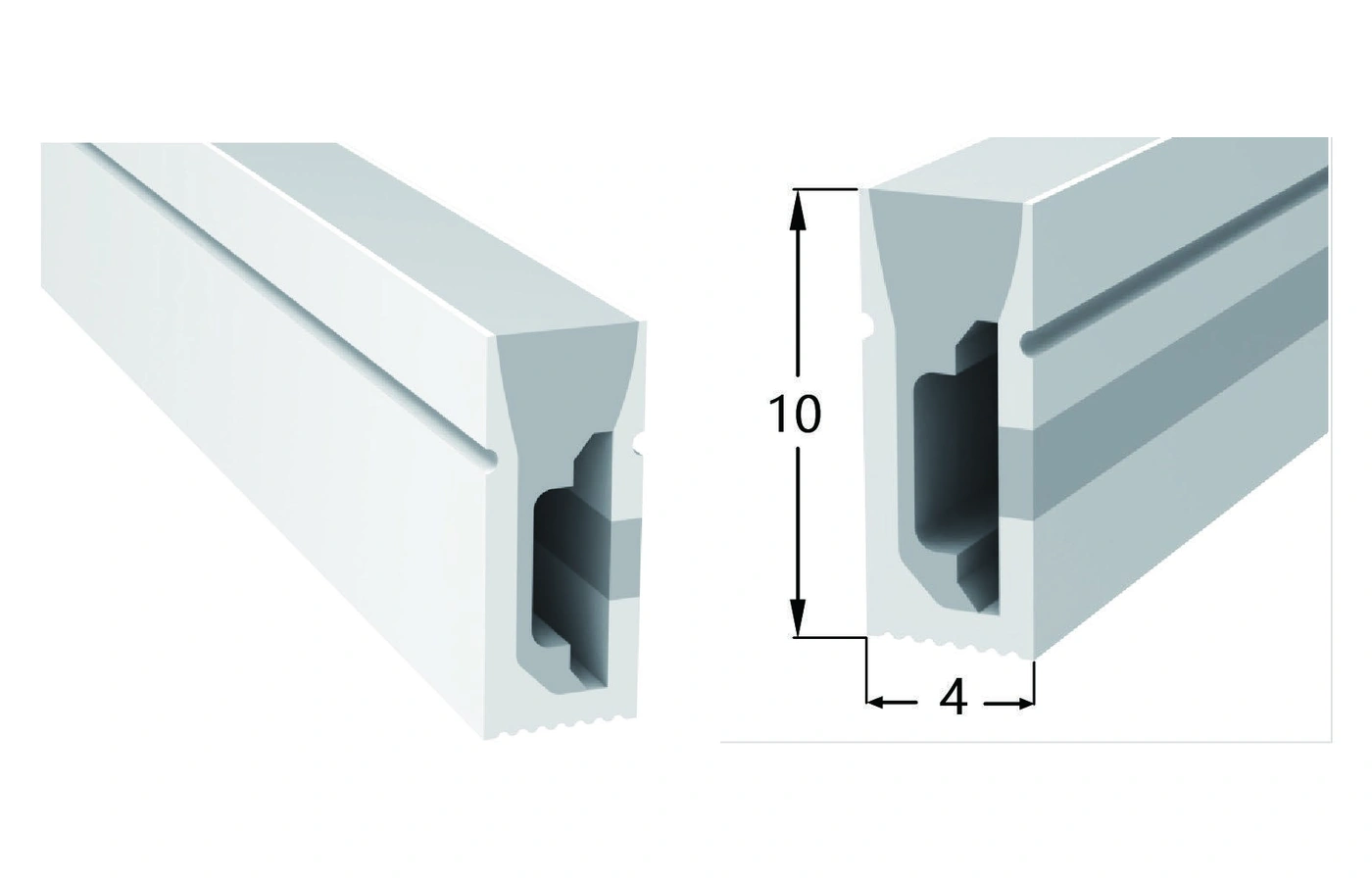
Catalogue page 13, profile 2
Review catalogue row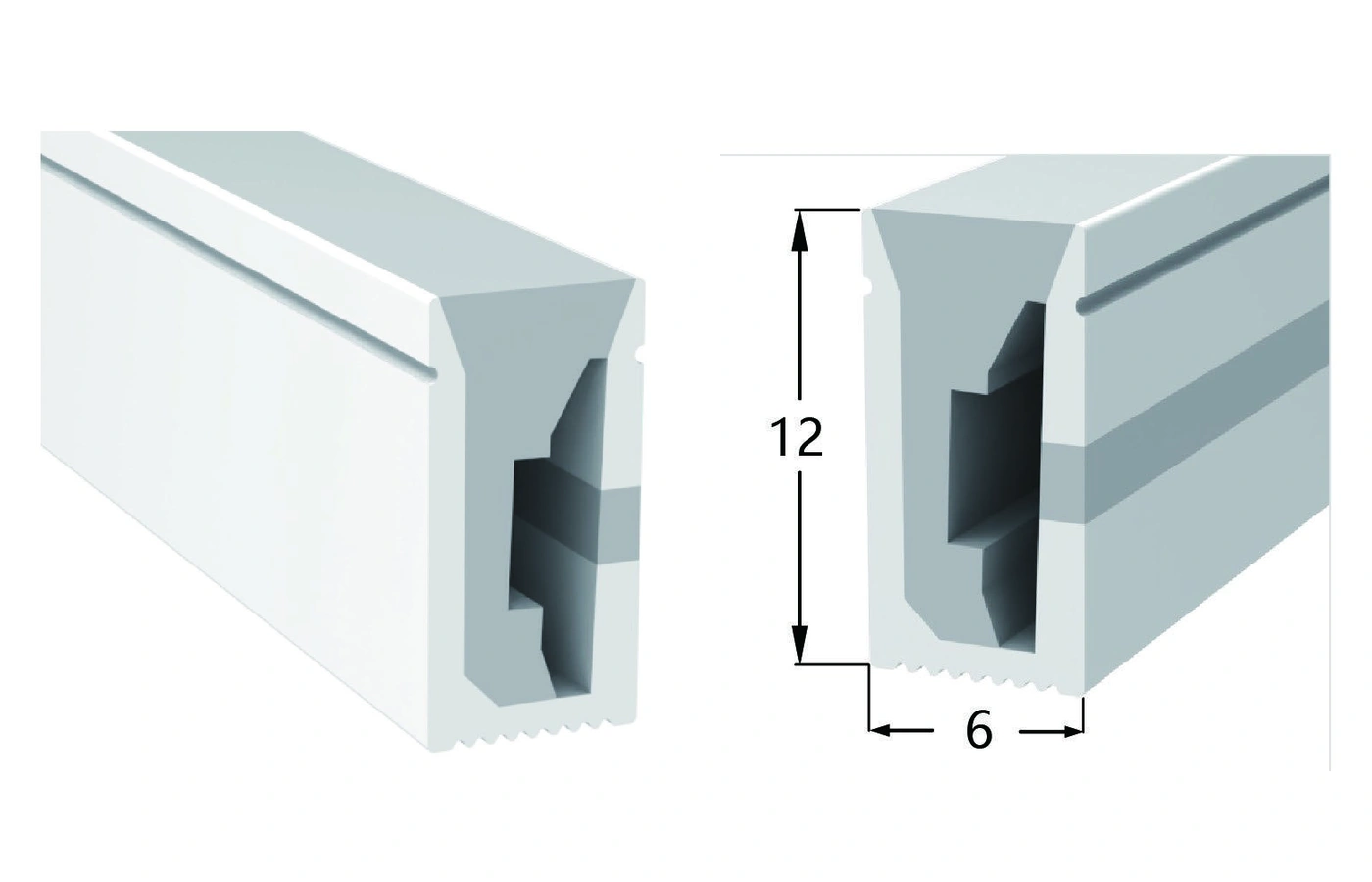
Catalogue page 13, profile 3
Review catalogue row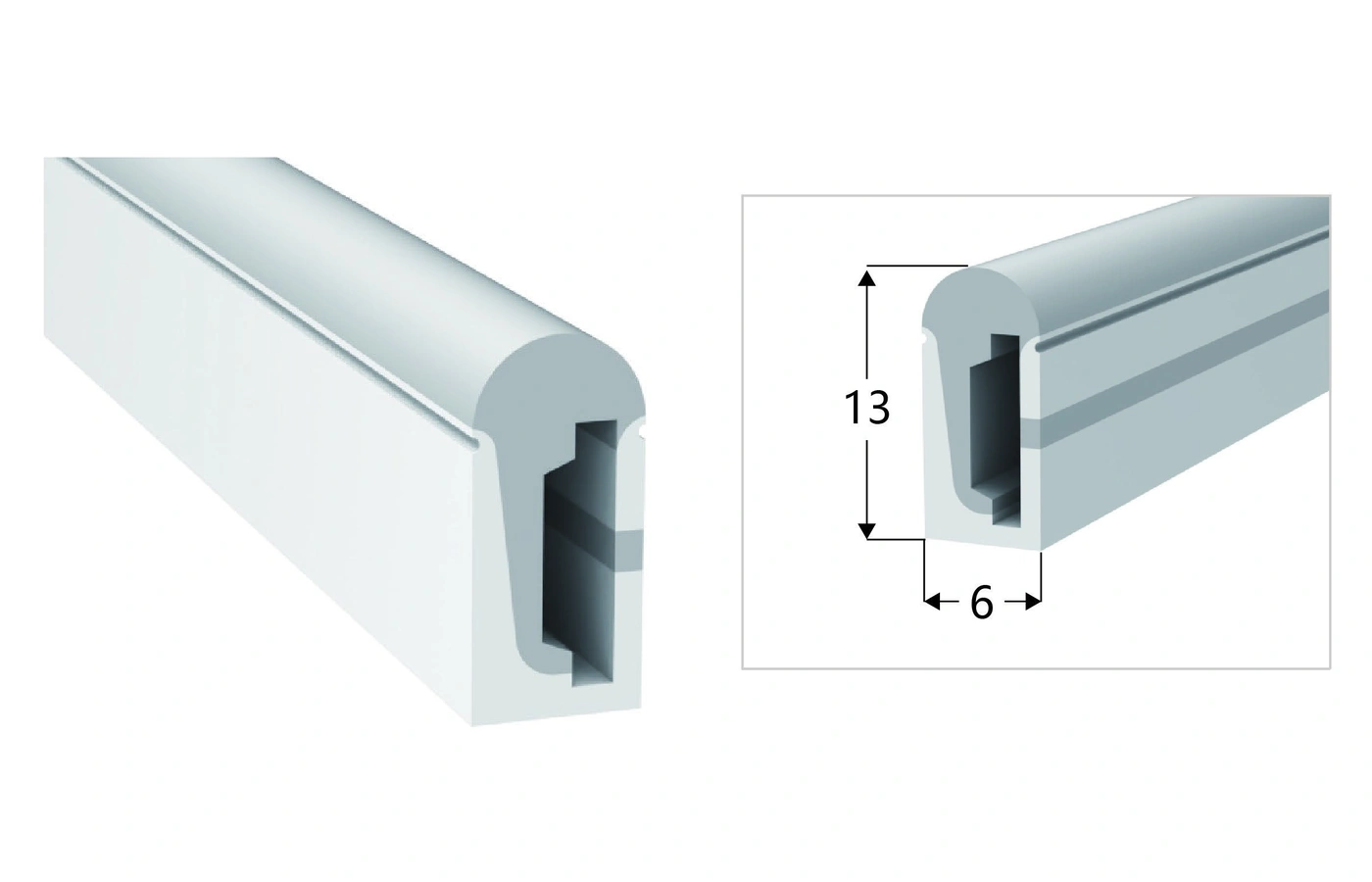
Catalogue page 13, profile 4
Review catalogue row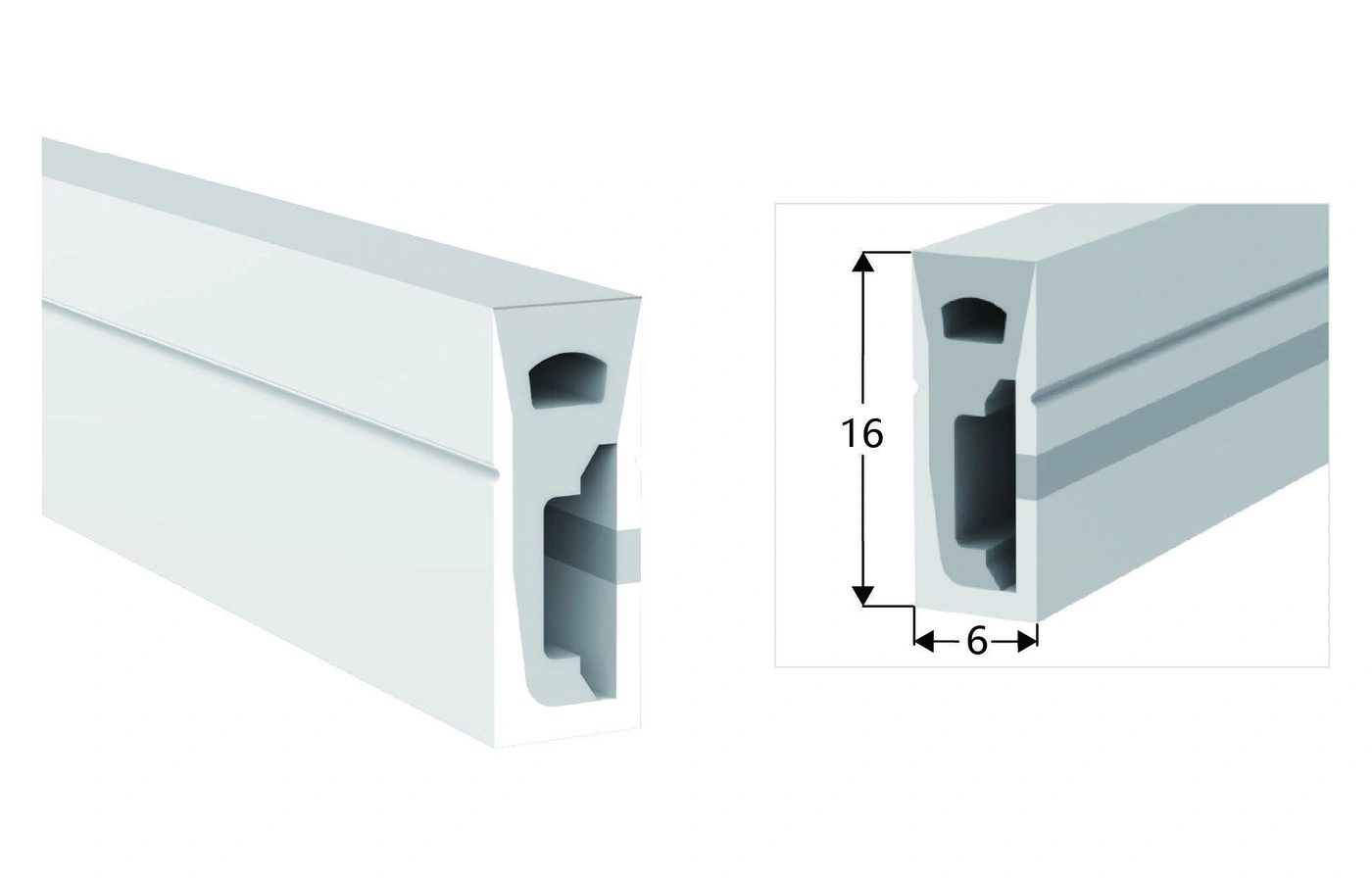
Catalogue page 13, profile 5
Review catalogue row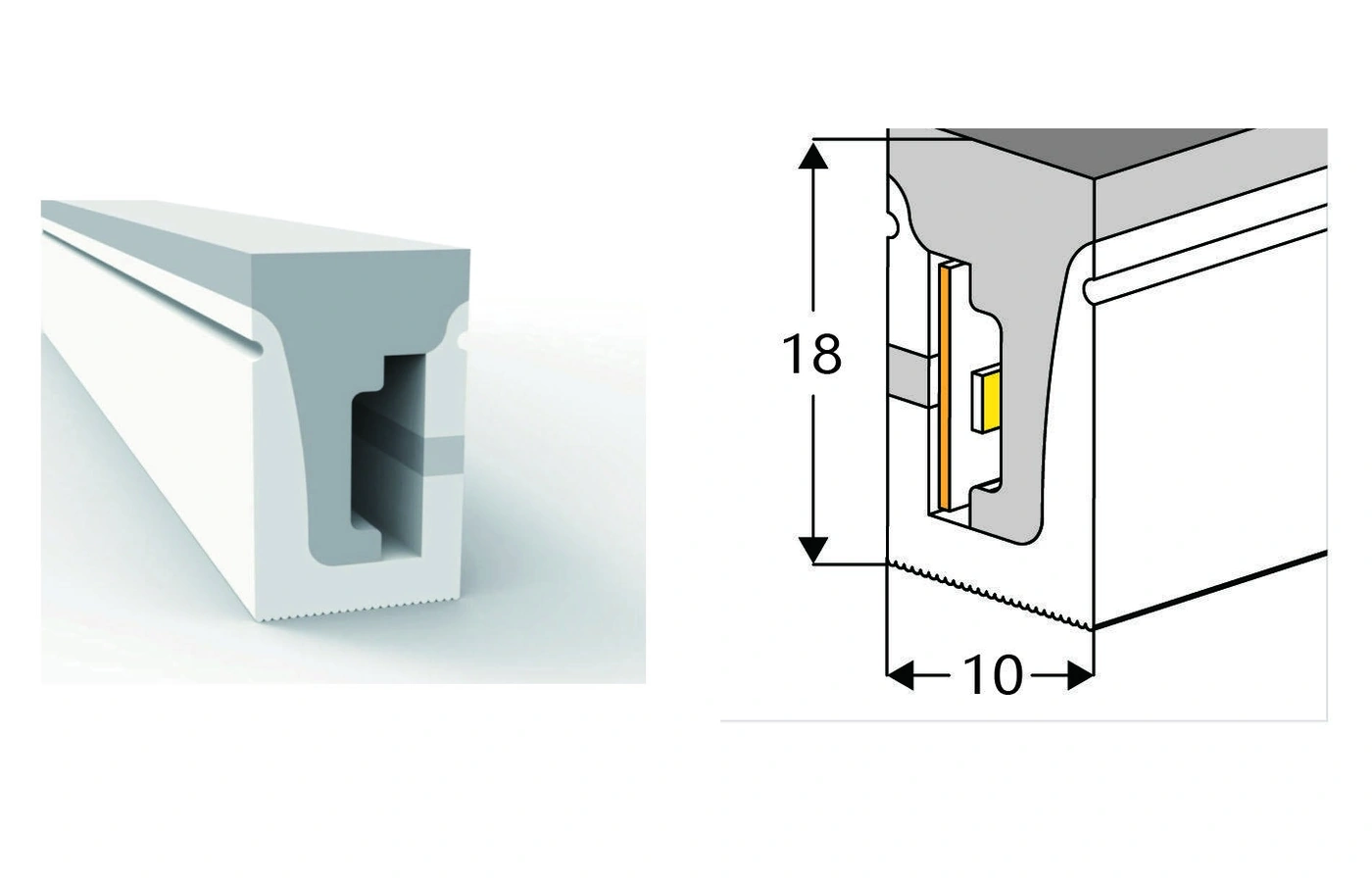
Catalogue page 13, profile 6
Review catalogue row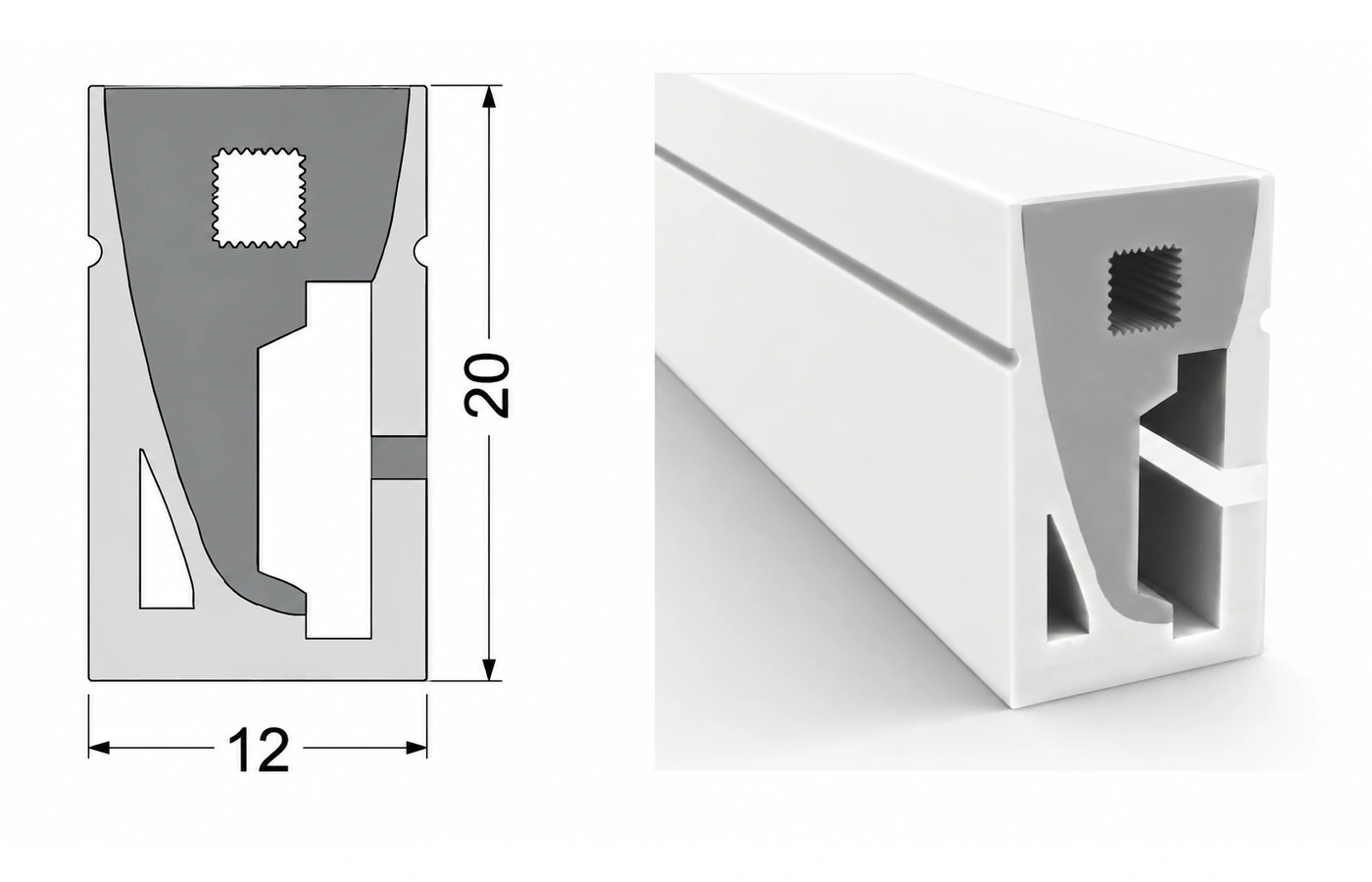
Illustrative rendering; confirm internal details with the selected sample.
Catalogue page 13, profile 7
Review catalogue row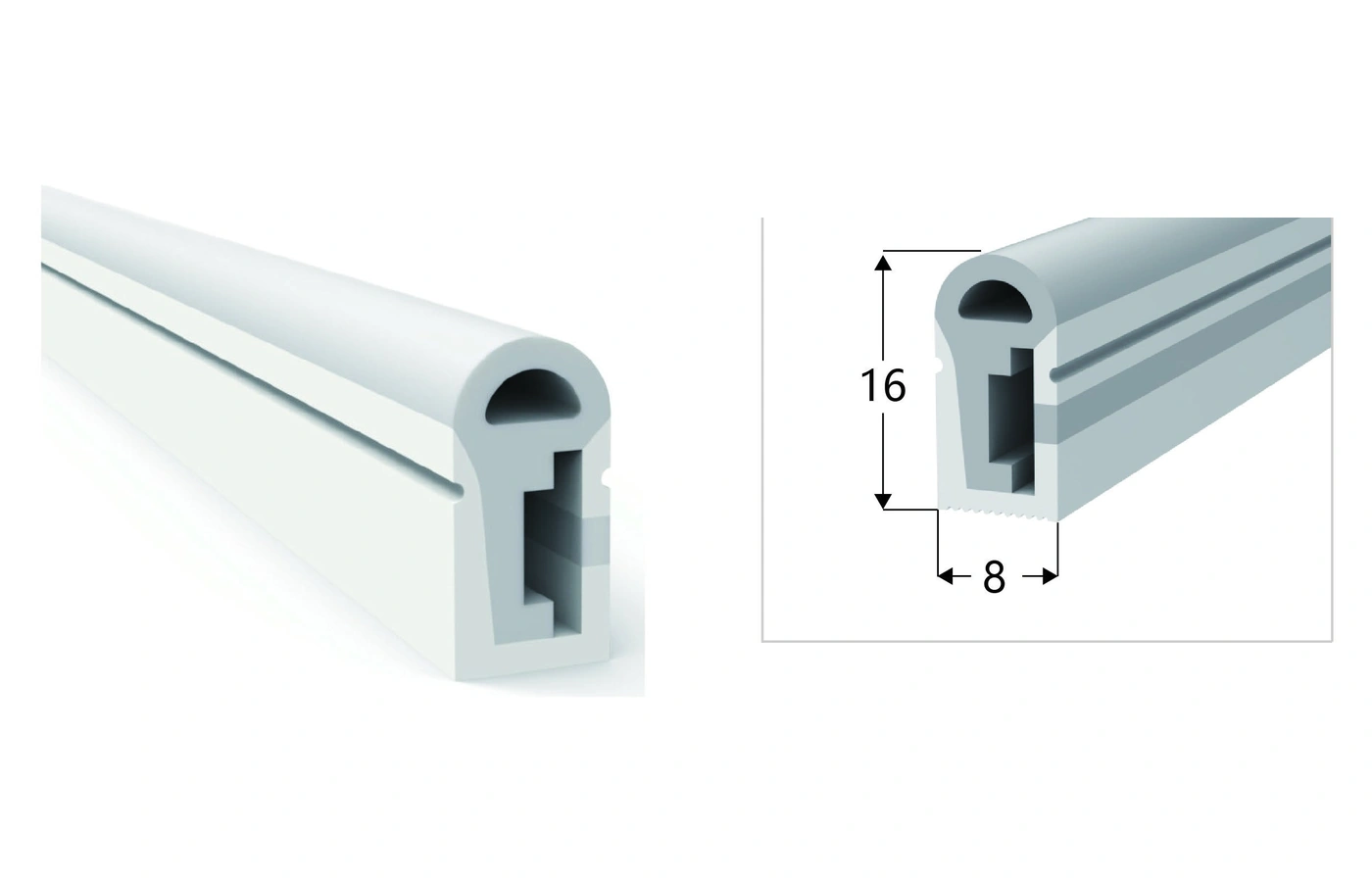
Catalogue page 13, profile 8
Review catalogue rowChoose the geometry first, then compare the configuration rows for that profile. Voltage, power, luminous flux and cut length are not interchangeable across variants.
The slim 4 x 10 mm profile below lists 24 V single-colour, tunable-white and RGB configurations. For a 12 V LED neon flex requirement, review the Pixel RGB row of the 6 x 12 mm profile; its single-colour and RGB rows are 24 V. Compare the exact colour and control requirement before selecting a supply or transferring cutting details between variants.
4 x 10 mm · Side-Emitting LED Neon Flex
24 V single-colour, tunable-white and RGB configurations
View profile & configurations6 x 12 mm · Side-Emitting LED Neon Flex
24 V single-colour and RGB; 12 V Pixel RGB
Compare 24 V and 12 V configurationsFor the separately listed compact format, see 4 × 8 mm LED neon flex. Compare its three V2 catalogue configurations, each listed with a 24 V supply and 50 mm cutting interval.
Share the installation section, intended viewing position, light appearance and cable route.
Explore the applicationShare the installation section, intended viewing position, light appearance and cable route.
Explore the applicationShare the installation section, intended viewing position, light appearance and cable route.
Explore the applicationEnd caps, cable exits, rigid aluminum profiles and bendable supports are selected around the actual section. Accessory compatibility should be confirmed against the selected profile before quotation.
Use the exact profile and configuration when discussing your project. The International Catalogue contains the complete model rows; accessory documents support a separate fit review.
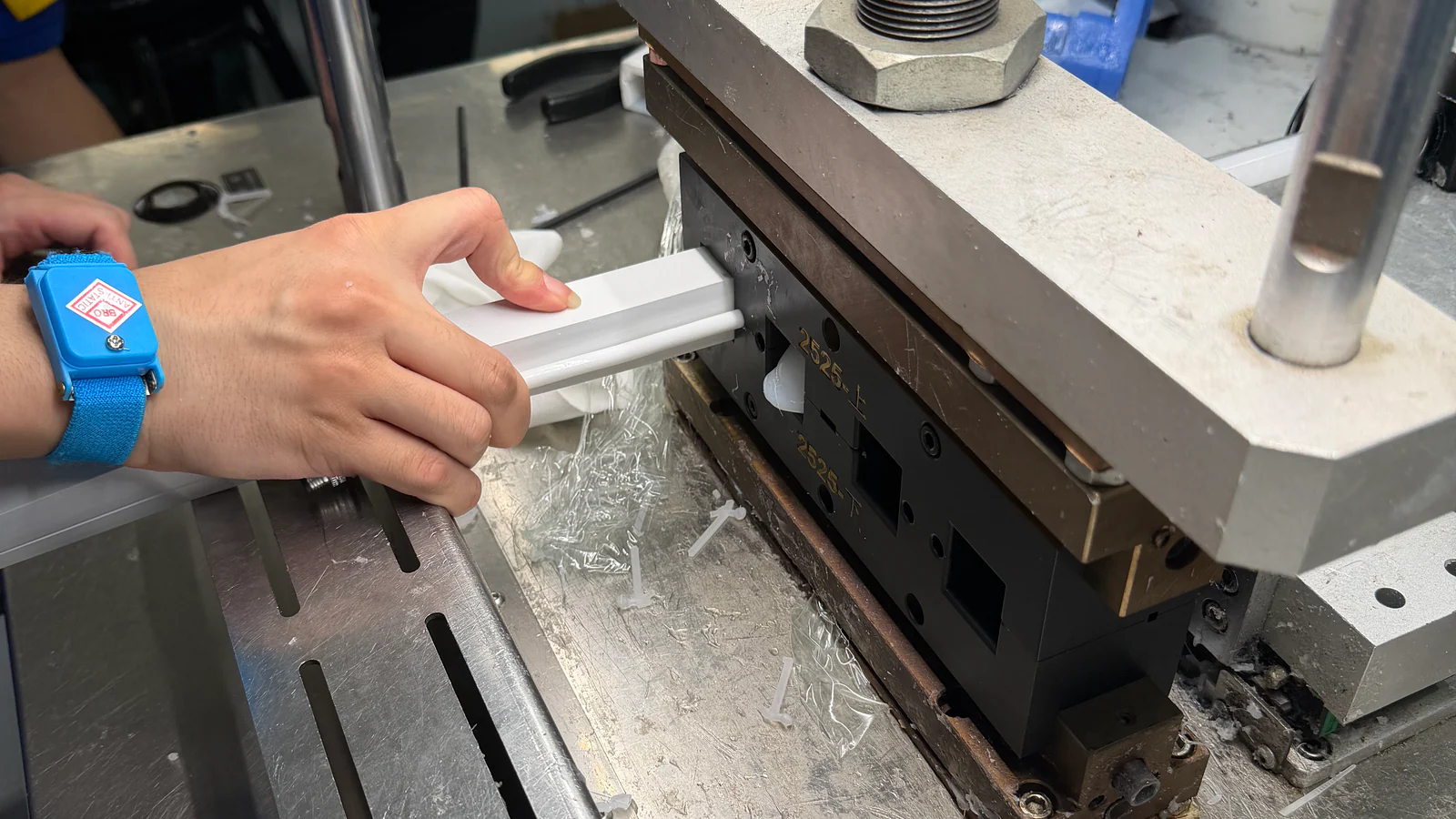
Start with a catalogue profile when its section fits. If the groove, emitting face, strip space or end interface needs a different geometry, send a drawing, installation sketch or physical sample for custom silicone extrusion review.
Compare three light-source configurations and mounting details.
View Profile & SpecificationsCompare three light-source configurations and mounting details.
View Profile & SpecificationsCompare three light-source configurations and mounting details.
View Profile & Specifications
Send the profile size, required light appearance, installation route and quantity. We will review the exact configuration and mounting details.
PROJECT ENQUIRY
Leave your contact details and a short project note. We will follow up with you.