
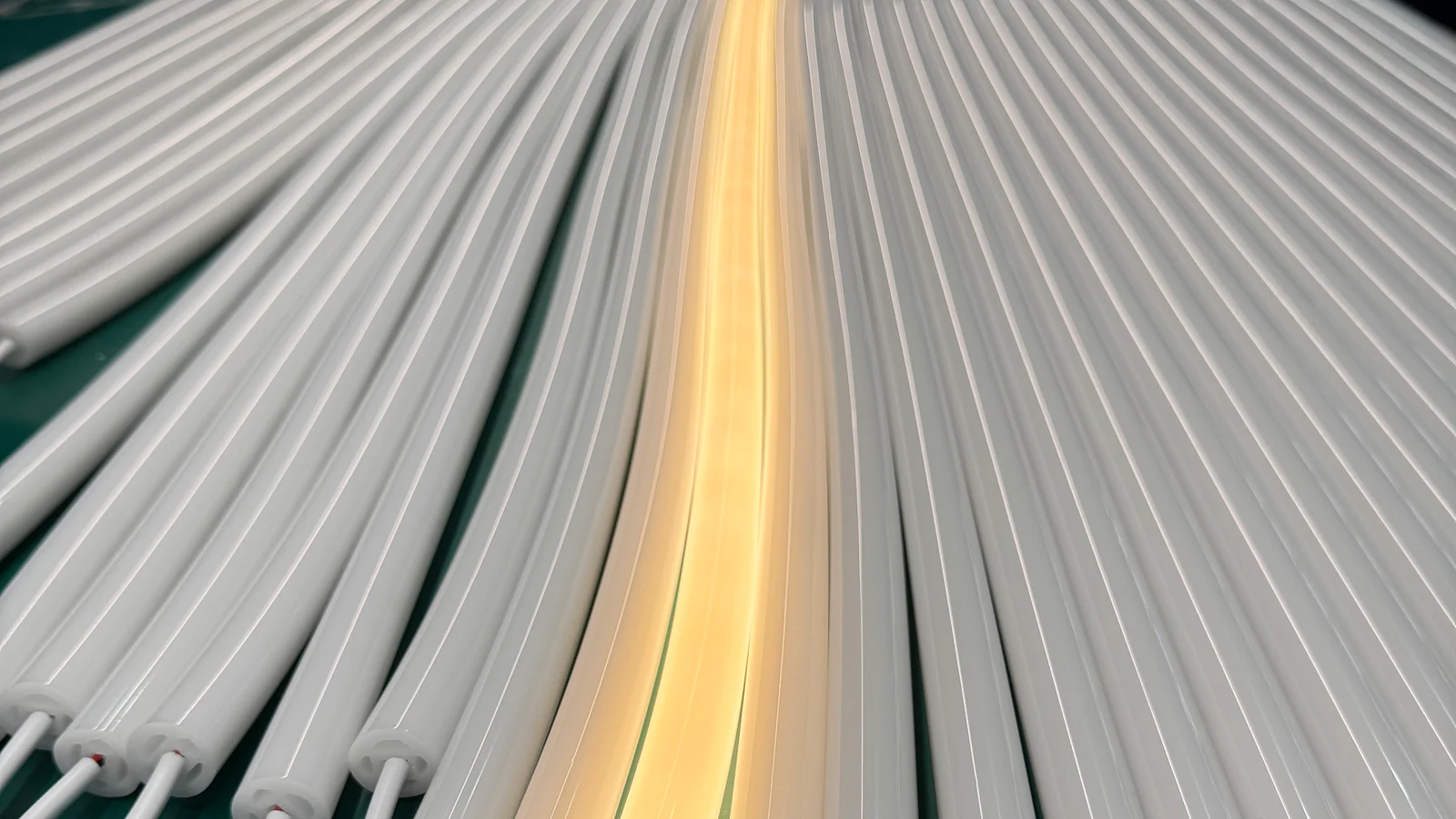
To match an LED strip to a silicone profile, compare the strip’s real width and component envelope with the profile’s internal space, then check its position, emitting surface, bend direction, connections and surrounding installation. Matching only the outside profile size is not enough, and a strip that fits physically may still produce the wrong visible light result.
Short answer: Start with the selected strip and a cross-section of the profile. Confirm internal clearance, orientation and end space before reviewing diffusion and the complete installation. Do not use a compatibility claim from a visually similar profile as evidence for another model.
Need a Silicone Profile for a 10 mm or 12 mm LED Strip?
Send the strip details and installation space together. We can review an existing silicone housing or discuss a custom section when the strip, visible light face or mounting interface needs a different fit.
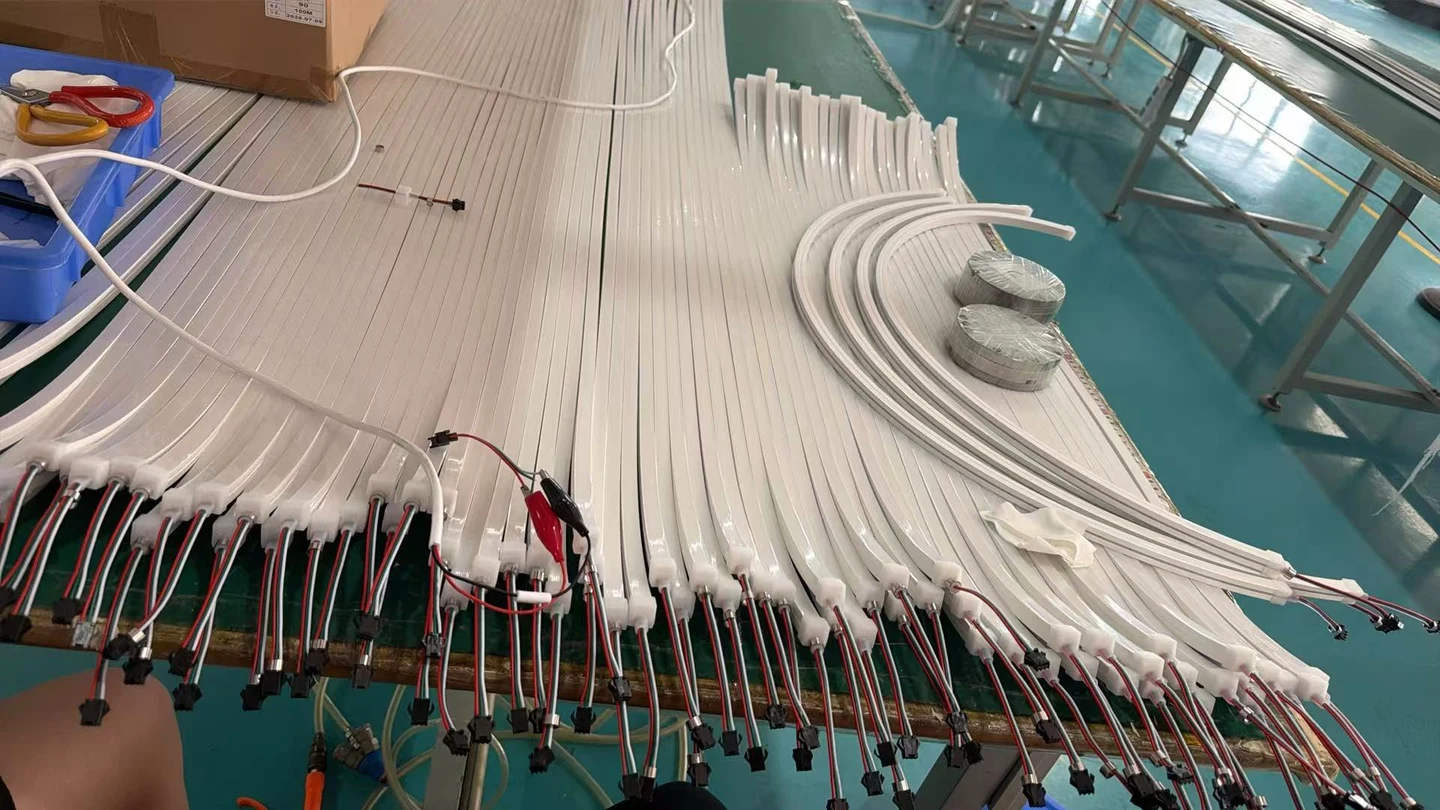
- For a 10 mm LED strip
- Confirm that 10 mm is the actual PCB width. Include the highest component, any coating and a clear photograph of the cut end and connection.
- For a 12 mm LED strip
- Provide the same measurements for the 12 mm board. Do not choose a tube from its outside width: the usable channel and insertion clearance must be checked.
- Show the installation
- Include the slot width and depth, desired visible light face, segment lengths, cable exit and tightest curve. Identify dimensions that are fixed.
- Choose what you want supplied
- Tell us whether you need an empty housing for your own strip or a finished LED Neon Flex assembly. Confirm the strip and housing together on a sample before ordering.
A nominal strip width alone is not a compatibility guarantee. A strip data sheet, end photograph and dimensioned installation sketch are enough to start a useful matching discussion.
1. Start With LED Strip Width
Record the actual board width of the selected LED strip, not only the product-family name. Two strips described in similar terms can have different board, coating, connector or component dimensions. If the project has already approved a strip, provide its current model information or a measured sample.
Width is the first screening input, not the complete compatibility decision. The strip also needs clearance for components, conductors, coating, joints and the chosen insertion or assembly method. Do not assume that a nominal board width proves that the complete strip can enter or sit correctly in the profile.
What Does “10 mm” Describe?
A request for a 10 mm silicone tube for an LED strip can refer to the PCB width, the internal opening or the outside profile width. Mark each dimension separately on the section. An outside width of 10 mm does not establish space for a 10 mm strip, and a stated internal width alone does not confirm component or connection clearance.
2. Check the Internal Profile Space
Use the internal cavity dimensions and geometry. The outside width and height describe the profile envelope, but they do not show the channel available to the strip. Internal walls, ribs, curved surfaces and transitions can reduce usable space or control how the strip is positioned.
Compare the complete strip envelope with the section in its intended orientation. Include any local solder joint, connector or cable transition that is larger than the bare board. Where measurements are not final, label the available space as a target and check it with a representative sample before ordering.
3. Check Strip Position Inside the Profile
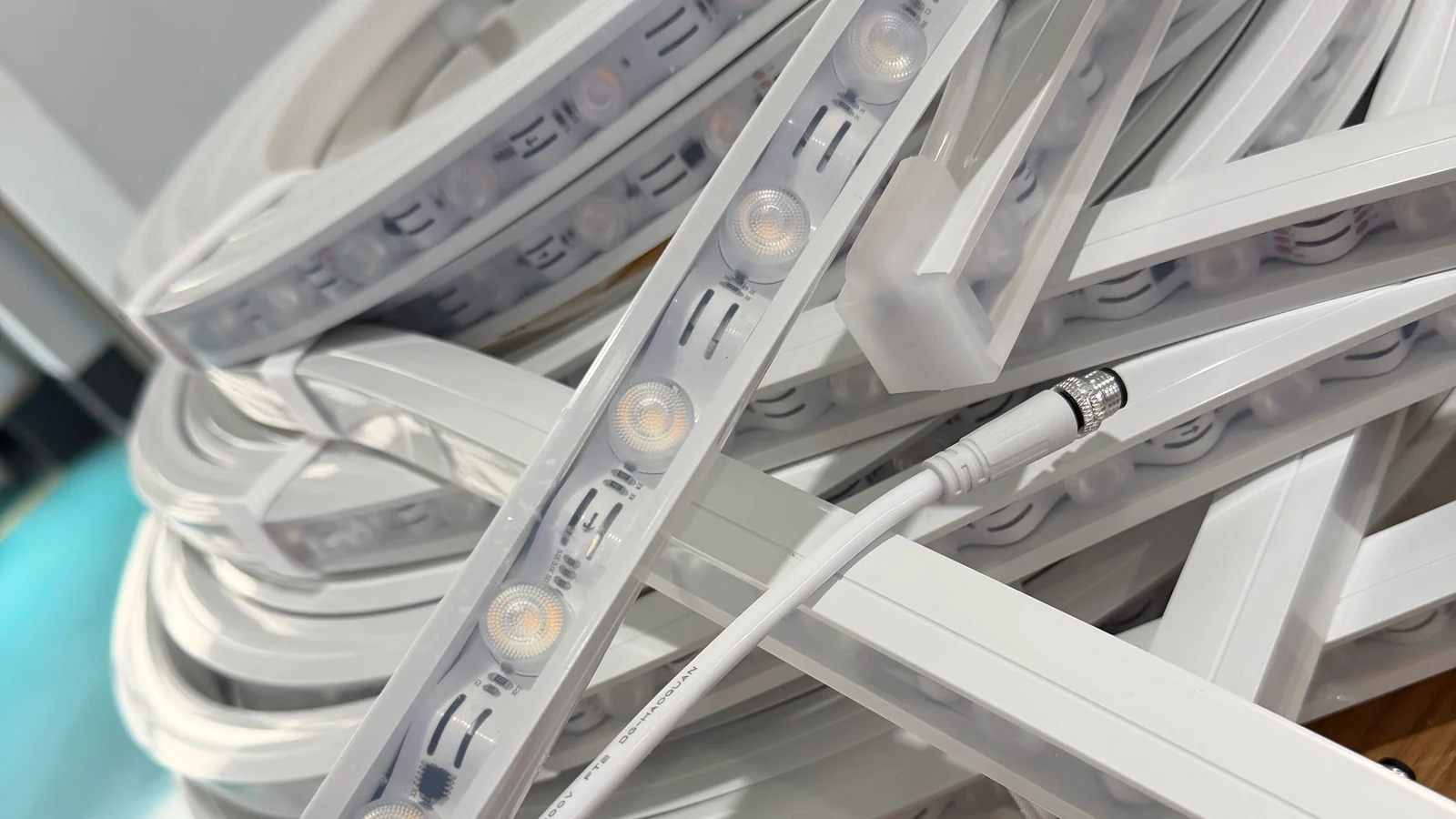
The strip may be centred, offset or held at a particular distance from the emitting surface, depending on the actual profile design. Position affects physical support, connection routing and the distance over which light can mix before reaching the visible face.
Do not assume every cavity permits the strip to be moved freely. Some profiles use a defined channel or wall relationship. Show the intended strip centreline on the cross-section and identify whether its position is fixed by the profile, by an assembly method or by the surrounding installation.
4. Confirm the Emitting Surface
Mark which profile face should emit light. Then confirm which surface of the LED strip faces that area when installed. A strip can fit the cavity while pointing away from the required light face or placing components too close to a wall.
Use a cross-section arrow and an installed view. Terms such as top, side and front can become ambiguous after the profile is rotated, so relate the emitting face to the mounting surface and viewer rather than to an image orientation.
5. Confirm the Required Light Direction
Light direction describes where the finished illumination should go in the application. It may be direct toward the viewer, across a surface or into a concealed cavity. This project direction must align with the profile’s emitting face and the strip orientation.
Describe the viewing position and desired appearance. A technically correct strip position can still create an unsuitable line if the visible face, viewing distance or adjacent finish differs from the intended application.
6. Confirm Bending Direction
Compare the profile’s required curve with the LED strip’s permitted movement and the complete assembly. The profile and strip must follow the route without either component being forced into an unsupported bend plane.
Mark the bend plane separately from the light direction. The top-bend vs side-bend guide shows why these inputs should not be inferred from the illuminated face. Any bend limit must come from the exact selected product information rather than a general category value.
7. Leave Space for Connections
Reserve room for solder joints, connector bodies, wires, cable exits and end details. These parts can require more height, width or straight space than the bare strip. Mark where the first component begins and where the cable must leave the profile.
If an existing connector must be retained, include its photograph and dimensions. The LED strip connector types guide explains the different connection roles, but actual contact layout and compatibility still depend on the selected strip and connector.
8. Check the External Installation Space
A strip and profile can fit each other but fail to fit the product, channel, furniture detail or architectural recess around them. Compare the profile’s outside envelope, ends, cable route and mounting method with the real installation space.
Show the surrounding groove, housing or surface in section. Identify the fixed dimensions and service access. Include mounting clips, channels or other interfaces when they affect clearance, and do not assume an accessory fits every profile in a product family.
9. Review the Finished Light Appearance
Physical compatibility does not guarantee an acceptable light line. The strip format, source spacing, distance to the emitting face, silicone geometry, material appearance and viewing distance all affect the result.
Use a representative illuminated sample with the actual strip and selected profile. Review it from the intended viewing position, including ends and curves. The LED strip diffusion guide covers the optical questions that begin after the basic physical fit has been established.
For an existing housing, compare flat, domed and round silicone tube formats using the same strip and installed orientation. These are shape families, not interchangeable fit specifications.
10. When a Standard Profile Does Not Fit
A custom profile may be appropriate when the selected strip, fixed installation space, emitting face or connection cannot be reconciled with a standard section. Define which inputs are fixed before changing the profile: strip model, outside envelope, light direction, bend route, mounting interface or cable exit.
Custom development should solve a specific mismatch rather than add geometry without a purpose. Review the inputs on the custom silicone extrusion page and provide the strip plus installation section for a project-specific assessment.
Strip-to-Profile Compatibility Table
| Project input | Why it matters | Useful evidence |
|---|---|---|
| LED strip width and component envelope | Determines whether the complete strip can enter and sit in the cavity | Current strip model, drawing or measured sample |
| Internal profile space | Shows the usable channel rather than the outside envelope | Profile cross-section with internal dimensions |
| Strip position | Affects support, clearance and distance to the emitting face | Strip centreline marked on the section |
| Emitting surface | Connects strip orientation with the visible profile face | Cross-section arrow and installed view |
| Bending direction | Checks whether strip and profile can follow the same route | Plan, elevation and bend arrows |
| Connection space | Allows for joints, connectors, cable exits and ends | Connection detail and clearance dimensions |
| Installation space | Confirms the complete assembly fits the surrounding product | Housing, groove or mounting section |
A Practical Fit-Check Sequence
- Identify the exact LED strip or supply the closest available sample.
- Compare its complete physical envelope with the profile’s internal section.
- Mark strip orientation, emitting face and required light direction.
- Add the route and bend plane for both strip and profile.
- Place the connection, cable exit, end detail and mounting interface on the drawing.
- Assemble a representative sample and inspect physical fit both unlit and illuminated.
For available strip formats, start with LED Strip Lights. The COB vs SMD comparison explains format differences but does not replace a model-specific fit check.
Common Matching Mistakes
Comparing the Strip With the Outside Profile Width
The internal cavity controls fit. Ask for or measure the full section.
Checking Only a Straight, Bare Strip
Components, joints, connectors and bends can create the limiting condition. Test a representative assembly.
Assuming a Smooth Light Line From Physical Fit
Fit and optical appearance are separate approvals. Illuminate the sample and review it from the intended distance.
Ignoring the Surrounding Installation
The selected pair still needs space for mounting, ends and service access inside the final product or structure.
Frequently Asked Questions
Can I match a strip and profile by width alone?
No. Width is an initial check. Component height, internal geometry, strip position, orientation, connections and assembly method also matter.
Does a larger silicone profile fit any narrower LED strip?
Not automatically. The strip may be unsupported, incorrectly positioned or incompatible with the internal channel and emitting face.
Do COB strips always work better in silicone profiles?
No. COB and SMD describe strip formats, not universal compatibility or final appearance. Review the actual strip, profile and illuminated sample.
Should the connection fit inside the profile?
That depends on the selected assembly. Show the connector or solder joint and its intended location so internal or external clearance can be reviewed.
When should I consider a custom profile?
Consider it when fixed strip, installation, light-direction or connection requirements cannot be met by a standard section. Identify the controlling mismatch first.